
Exam 2 or Exam 3 Module
Section outline
-
In this module you will take your Exam 2 or Exam 3. [revise as needed]
Read the Exam 2 or Exam 3 Information and Instructions page carefully and take note of any special submission guidelines.
Upon completion of this module, you will have:- Read and view the Exam 2 or Exam 3 Information and Instructions page
- Schedule your exam with the proctoring service [if applicable, delete if not needed]
- Post in the Exam 2 or Exam 3 Q&A Discussion Forum - link provided below.
- Prepare for and submit your Exam 2 or Exam 3 [revise as needed]
- Upload your work in the Exam 2 or Exam 3 Work Upload Assignment using the submission link below.
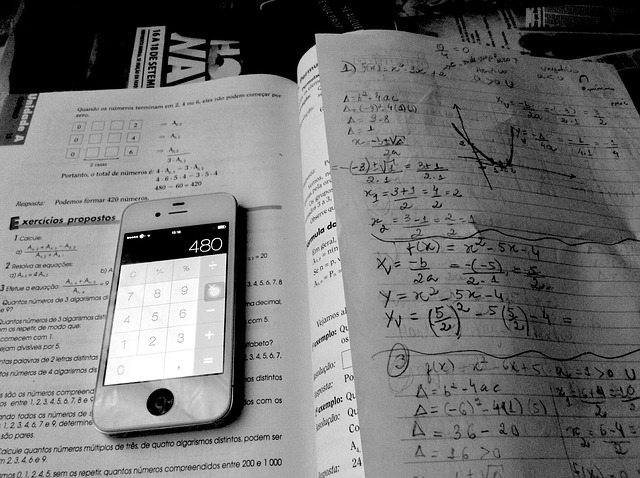
Attribution of image: ("Iphone, Math, Studying image. Free for use." Pixabay.com. https://pixabay.com/photos/iphone-math-studying-2418042/)Adopting instructors: Edit the Exam 2 or Exam 3 Information and Instructions page.
Background Colour
Font Face
Font Kerning
Font Size
Image Visibility
Letter Spacing
Line Height
Link Highlight
Text Colour