
Module 3 Understanding Addition & Subtraction
Section outline
-
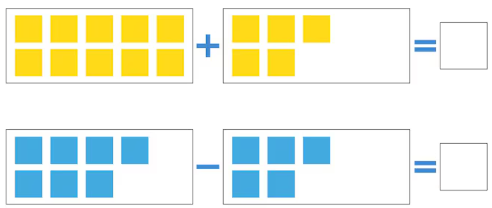
As you begin your journey to becoming a teacher, it's essential to revisit and master the basics, starting with addition and subtraction of whole numbers. You may already feel comfortable with these operations, but this module goes beyond just getting the right answers. It’s about understanding how and why these operations work so you can one day explain them clearly and confidently to your own students. They are the building blocks of everything from solving everyday problems to complex calculations in science, business, and technology. As an educator, your students will look to you for guidance and clarity. The ability to teach foundational math with confidence and adapt your explanations to meet diverse learning needs starts with your deep understanding. This module will help you strengthen not only your own skills, but your ability to guide others in building theirs.
Upon completion of this module, you will be able to:- Compute addition, subtraction, multiplication, and division problems using various strategies with or without technology.
- Be able to connect the current Louisiana Students Standards, and NCTM standards to course content.
- Express mathematical ideas clearly and correctly both orally and in writing, for purposes of mathematics instruction;
- Apply problem-solving strategies to a variety of mathematical problems
To achieve these objectives:
- Read the sections below and work the embedded exercises within them.
- Complete MyOpenMath homework for this module.
- Complete the discussion forum for this module.
Module Pressbooks Resources and Activities
You will find the following resources and activities in this module at the Pressbooks website. Click on the links below to access or complete each item.
-
-
Students mustPost replies: 1Make forum posts: 1
Background Colour
Font Face
Font Kerning
Font Size
Image Visibility
Letter Spacing
Line Height
Link Highlight
Text Colour