
Digital Communication
Section outline
-
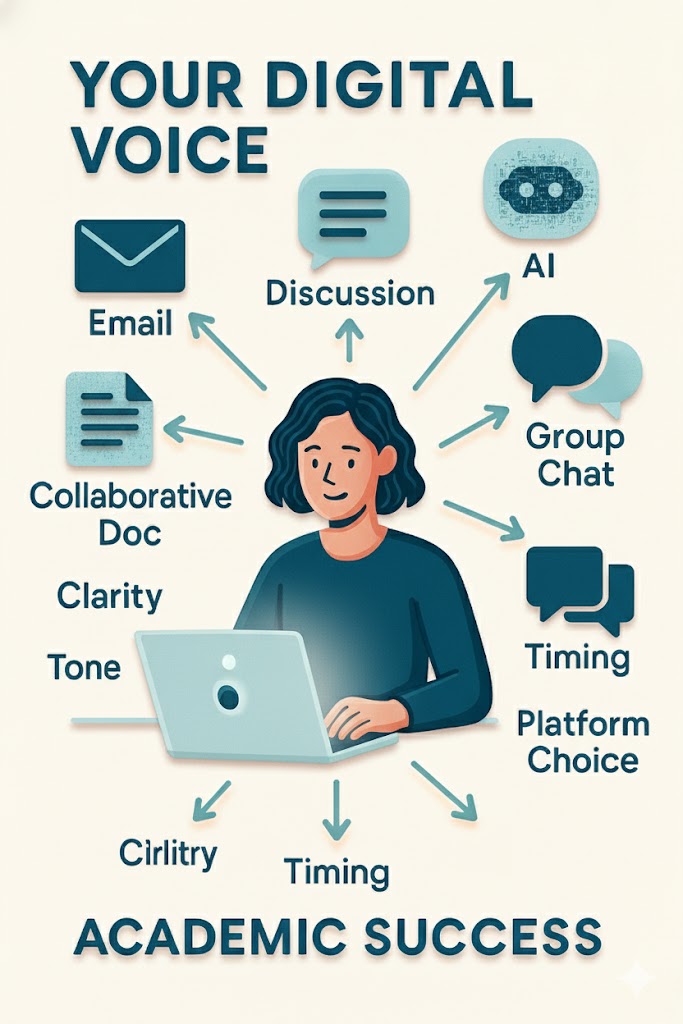
Your Digital Voice in the Academic World
Every day, you send messages, join group chats, and maybe even hop on a quick video call, but have you ever stopped to consider how those choices impact your success? In the world of higher education, the way you communicate online can open doors, build connections, and establish your credibility, or it can leave the wrong impression.
Imagine you’re working on a group project with classmates scattered across time zones. You’ve got five different tools at your fingertips: email, Zoom, discussion boards, collaborative docs, and AI-powered helpers. Which one do you choose? How do you make sure your words are precise, professional, and inclusive? And how do you adapt when technology changes the rules overnight?
This chapter on Digital Communication in Academic Contexts is more than just a reading—it’s your playbook for navigating the fast-changing, multi-platform world of online learning. You will explore when to go live and when to stay asynchronous, learn how to write messages that yield results, and discover how to establish guidelines that foster smooth and respectful collaboration.
The real magic happens when you take these ideas and run with them, testing new tools, refining your style, and even researching beyond the chapter to discover emerging best practices. The more you master these skills now, the more prepared you’ll be for academic success, career opportunities, and leadership in any digital environment.
So read with curiosity, experiment with confidence, and ask yourself at every step: How can I make my digital voice stronger, clearer, and more impactful?
Upon completion of this module, you will be able to:
- Compare online communication platforms (e.g., email, video conferencing, forums) for academic effectiveness. (Analyze)
- Demonstrate effective communication techniques through role-play and written practice. (Apply)
- Develop digital communication guidelines for personal academic use. (Create)
To achieve these objectives:
- Read the Module # Introduction
- Read and view the materials in the Module # Pressbooks book
- Complete the following assignments.
Module Pressbooks Resources and Activities
You will find the following resources and activities in this module at the Pressbooks website. Click on the links below to access or complete each item.
-
Students mustMark as done
Guidelines for how to import content into Moodle
-
Background Colour
Font Face
Font Kerning
Font Size
Image Visibility
Letter Spacing
Line Height
Link Highlight
Text Colour