
Introduction to Corrections
Section outline
-
Welcome to Introduction to Corrections!
Course Introduction
Welcome to Introduction to Corrections! This course serves as an essential foundation in understanding the U.S. correctional system, exploring the policies, practices, and challenges that define modern correctional operations. You’ll examine the roles of jails, prisons, probation, parole, and community corrections while developing critical thinking and digital literacy skills necessary for careers in criminal justice or public service.Upon successful completion of this course, the student will be able to:
- Describe the purpose, structure, and evolution of correctional institutions in the United States.
- Compare alternative correctional strategies and their impacts on offenders and society.
- Identify challenges related to correctional clients, including mental health and juvenile populations.
- Analyze legal and ethical issues related to correctional practices.
Locate and evaluate credible digital sources. Students should be familiar with government datasets, correctional agency reports, and scholarly articles to analyze trends in incarceration and correctional practices.
Structure of the Course
This course is divided into 9 content modules, each focusing on a major aspect of the correctional system:
- Concepts of Corrections
- Judicial Process and Corrections
- Correctional Clients
- Alternatives to Incarceration
- Types of Correctional Facilities
- Institutionalization in Corrections
- Innovative Programs and Reentry
- Juvenile Corrections
- Corrections as a Career
Each module includes a chapter reading, followed by assignments, quizzes, and/or discussions designed to help you apply what you've learned. You’ll also complete a Midterm Assessment midway through the course.
Navigating the Course
All modules can be accessed from the navigation menu on the left. Each module includes:
- A chapter reading linked through Pressbooks
- An assignment (written or applied)
- A discussion forum or reflective prompt
- A knowledge check or quiz (in select modules)
Some activities are marked as required and may be auto-completed once submitted, while others will require you to manually mark them as complete. Be sure to check the Announcements section regularly and keep track of all due dates listed in the course calendar.Please move through the items below and continue through the Learner Support and Getting Started modules before moving on to Module 1. Be sure to check for announcements and due dates to stay on track.This course and its contents are developed by authors: Chenetra Hall-Phillips, Abiodun Raufu, Joel George, Jonathan Sorensen, and Geraldine Doucet, are licensed under a Creative Commons Attribution 4.0 International License by LOUIS: The Louisiana Library Network, except where otherwise noted.
-
As a student in this course, you have access to a variety of support services to help you succeed academically, technically, and personally. Please take a moment to review the information below and reach out as needed.
Technical Support
If you experience technical issues accessing Moodle or course materials, contact:
For 24/7 system access issues, you can also click the “Help” or “?” icon in the bottom-right corner of your course page.
Open LMS / Moodle Help Desk -
This module contains all the items you should review and complete before you begin Module 1. Before moving on, be sure to:
- Check the News and Announcements Forum
- Read the Course Syllabus
- Introduce yourself to the class
- Read the instructions for the Q & A Forum
- Review academic integrity expectations in the course
Good luck in the course!-
This forum contains general news and announcements. You can find all announcements listed in the "Latest News" block in Course Tools within this course or on your My Courses page.
-
Students mustMark as done
Use this forum to tell us a little about yourself and your interests. Some topic ideas:
- What is your field of study/research interest or concentration?
- What are you most interested in learning about in this class and why?
- Have you ever taken an online class before?
- Any other information you would like to share with your classmates, such as special interests or activities.
Post a picture! We look forward to meeting you.
-
Students mustMark as done
Use this forum to ask your instructor any general questions about Introduction to Corrections (CRJU 2013) — such as clarification on assignments, due dates, or course procedures. You may post at any time, and your instructor will respond here so that all students can benefit from the shared information.
Please remember:
-
Do not post personal information or questions about your grades here — those should be sent directly to your instructor by email or Moodle message.
-
Keep your questions clear, respectful, and professional.
-
Check this forum regularly, as other students may ask questions you also have.
Response Time: The instructor typically responds to forum posts and messages within 24 hours on weekdays and by the next business day on weekends or holidays.
Subscription Setting: This forum is set to Auto-Subscribe, so you will receive email notifications when new posts or replies are made.
-
-
Academic integrity is a vital part of Introduction to Corrections (CRJU 2013) and reflects the professional ethics expected in the field of criminal justice. All students are expected to complete their own work and uphold the institution’s standards for honesty, fairness, and responsibility.
-
These are suggested activities to add to the midterm or final to practice digital skills.
Four broad digital skills have been identified as critical for student success. Each skill listed below will be followed by multiple application suggestions with activity types and the likely specific skill integrations.
-
Use the information in this module to customize the template to your needs. This module is currently hidden from students, and available for you to refer to throughout the semester.
-
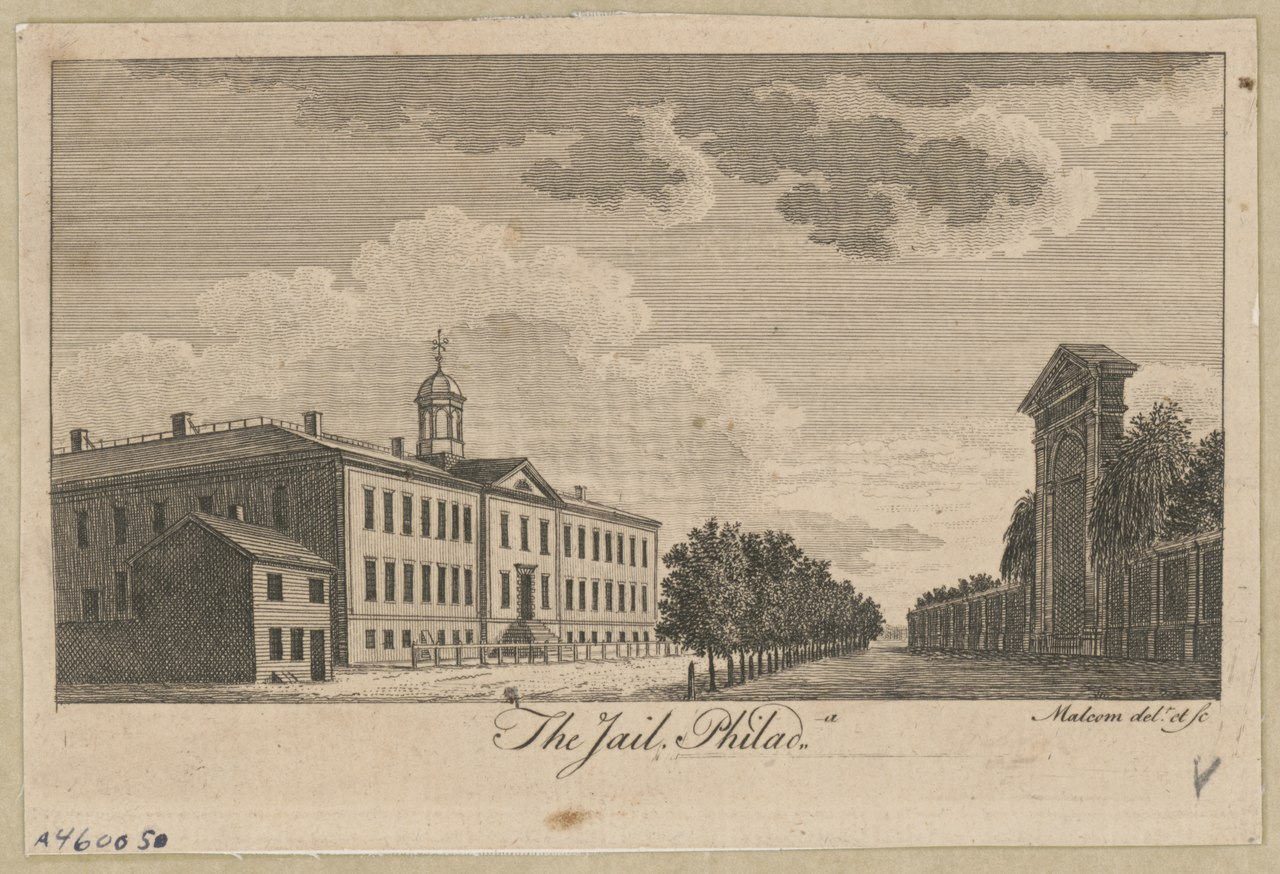
Welcome to Introduction to Corrections! We'll explore the history of American corrections, from colonial punishments to the Enlightenment's focus on penitentiaries. The course will examine regional differences across the U.S., shaped by religious beliefs and economic factors like convict leasing. You will learn how goals such as deterrence, incapacitation, rehabilitation, and retribution have historically conflicted and sometimes aligned. Additionally, we will explore current issues such as prison overcrowding, sentencing laws, and recidivism. Particular attention will be given to
Louisiana’s correctional history, from the infamous Angola Prison to recent reforms. Throughout, you’ll be invited to critically examine what “justice” truly means, how correctional policies affect communities, and possible future paths for the system. The aim is for you to gain not only knowledge but also analytical skills to assess correctional policies and practices. This will involve blending historical context with current debates, case studies, and some challenging questions. Corrections encompass more than just bars, fences, and court orders; they are about people, power, and transformation. I look forward to our discussions as we explore these themes together.
Image source: James Peller Malcolm's 1789 illustration of the Walnut Street Prison is in the public domain
Upon completion of this module, you will be able to:- Discuss the history and development of corrections and the prison system
- Describe the goals of the correctional system
- Explain the different types of deterrence
- Assess Mandatory Minimums and Tree-Strike Laws
- Examine Recidivism and Sentences: Evidence-based Practices
To achieve these objectives, Students will complete
- Let’s Talk Discussion
- Chapter Assignment
- Quiz
- Test
- Discussion Forum
- Read the Module 1 Introduction
- Read Chapter 1 in Introduction to Corrections
- Complete the
· Discussion 1: Historical and Philosophical
· Discussion 2: Conditions of Walnut Street Jail
· Discussion 3: History of Angola-Convict Leasing System
· Discussion 4: Criminal Sanctions & Goals
· Discussion 5: History & Development of Convict Leasing
· Discussion 6: Prison Overcrowding
· Discussion 7: Reformatory Movement
· Discussion 8: Angola Prison
Note the check boxes to the right that help you track your progress: some are automatic, and some are manual. [Delete in subsequent modules.]
Module Pressbooks Resources and Activities
You will find the following resources and activities in this module at the Pressbooks website. Click on the links below to access or complete each item.
-
Students mustMark as done
Concepts of Corrections as a Sub-system of the Criminal Justice System
-
-
-
-
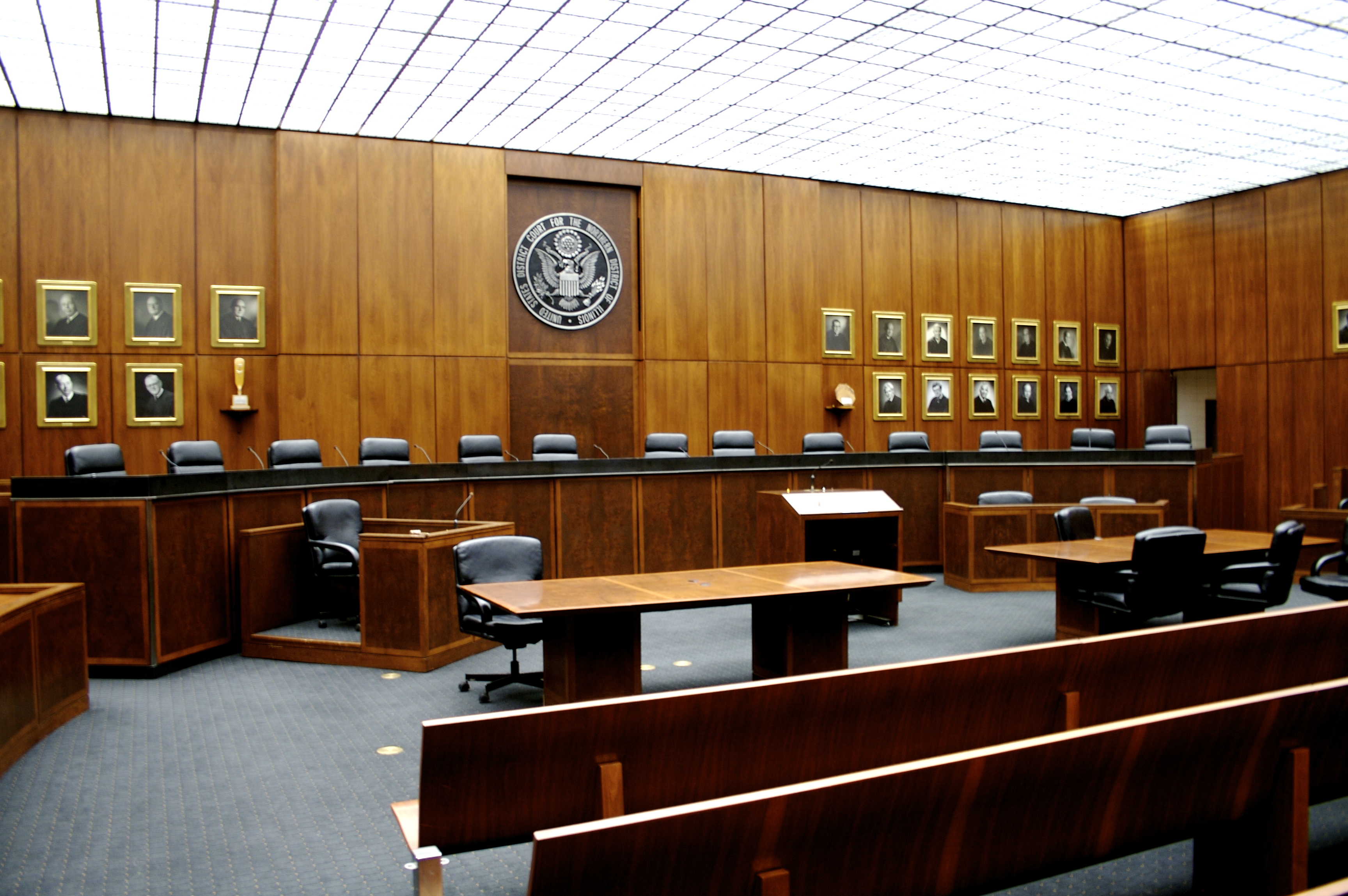
In this module, we focus on the judicial processes ranging from pretrial through sentencing and appeals. You will explore various sanctions including probation, incarceration, and a host of alternative sanctions. This model encourages critical thinking about the treatment of criminal defendants throughout the judicial process, especially in cases where their lives are on the line.
Upon completion of this module, you will be able to:- Understand Judicial Processing and Sentencing Practices
- Explore Various types of sentencing and related practices.
- Examine Louisiana's employment of specific sentencing practices.
To achieve these objectives: [Edit these items to match your resources and activities.]
- Read the Module 2 Introduction
- Read Chapter 2 in Introduction to Corrections
- Complete the [specific activities in the module. Include all in the order you want them completed. If an activity supports the development of foundational and/or industry-specific digital skills, note the skill to which it aligns]
Module Pressbooks Resources and Activities
You will find the following resources and activities in this module at the Pressbooks website. Click on the links below to access or complete each item.
-
Students mustMark as done
Judicial Process and Sentencing Practices for Misdemeanants, Felons, and Juveniles
-
-
-
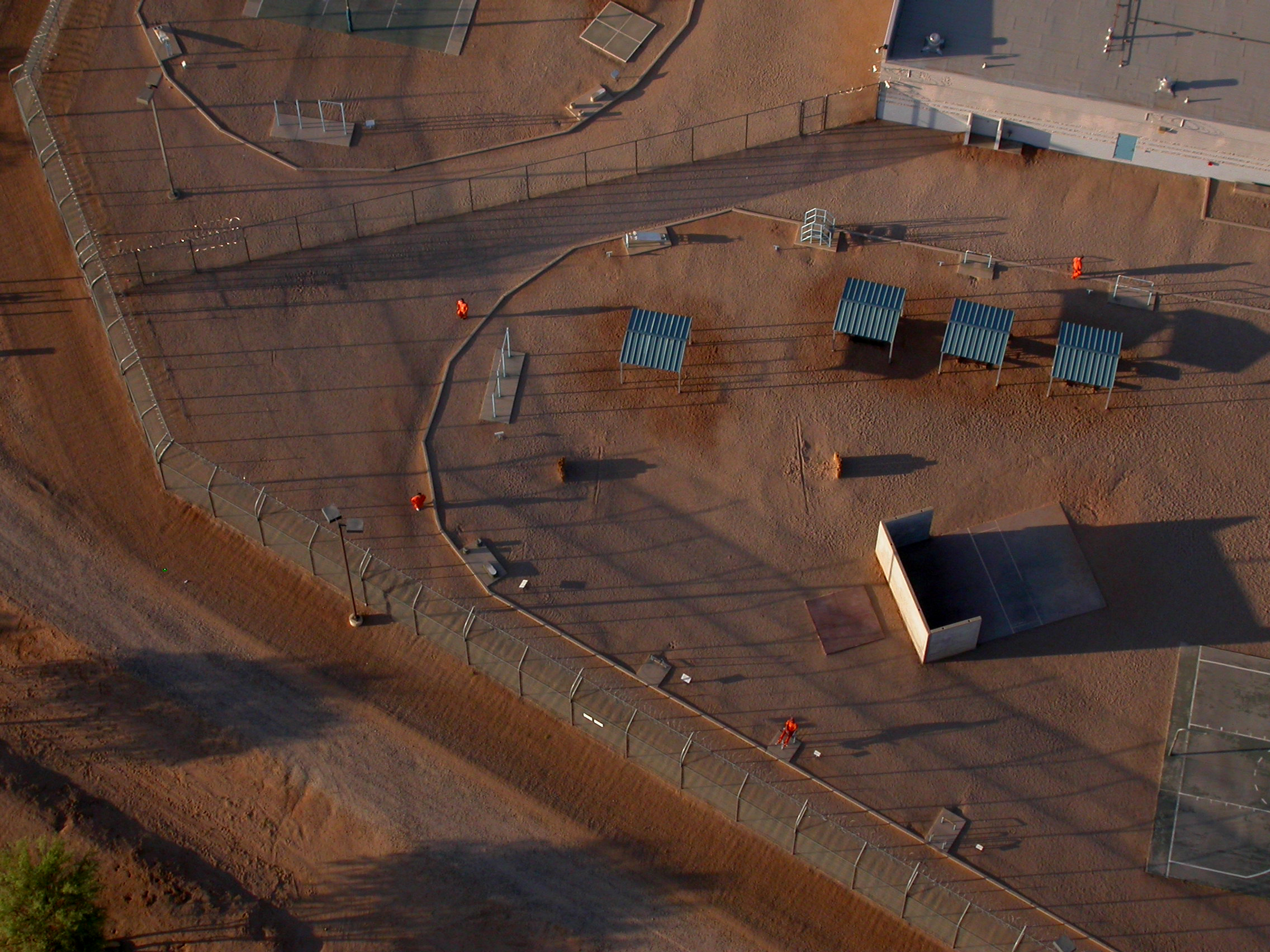
Chapter 3 provides an in-depth examination of the diverse correctional client population, highlighting the distinctions between male and female offenders, the principles and processes of classification and reclassification, the dynamics of prison gangs, and the challenges faced by both general and special-needs populations. The discussion spans the spectrum of offender types—from situational, habitual, career, professional, white-collar, public-order, long-term, and death-row inmates to individuals with specialized needs. Special-needs groups include juveniles housed in adult institutions, sexual offenders, individuals with substance use disorders, those with mental illnesses, chronic medical conditions, physical or intellectual disabilities, elderly inmates, LGBTQ+ individuals, veterans, and immigrants—each requiring tailored management approaches. The chapter concludes with a focused analysis of Louisiana’s historical and contemporary strategies for managing its offender populations.
Image source: “tucson correctional” by Alison Domzalski, CC BY-NC-SA 2.0
Upon completion of this module, you will be able to:- Identify and describe the diverse populations served within correctional institutions.
- Compare and contrast the characteristics and experiences of male and female prisoners.
- Explain the purpose and process of offender classification and reclassification within correctional systems.
- Summarize the characteristics and needs of special populations within prison settings (e.g., juveniles, mentally ill, elderly, LGBTQ+).
- Analyze the historical and contemporary approaches to managing correctional offenders in the State of Louisiana.
- Explain major correctional ideologies and their influence on contemporary correctional practices.
To achieve these objectives: [Edit these items to match your resources and activities.]
- Read the Module 3 Introduction
- Read Chapter 3 in Introduction to Corrections
- Complete the [specific activities in the module. Include all in the order you want them completed. If an activity supports the development of foundational and/or industry-specific digital skills, note the skill to which it aligns.]
**This module could contain a midpoint check for the final project. This may include a proposal, a building block to the project, or a portion of the project.
Module Pressbooks Resources and Activities
You will find the following resources and activities in this module at the Pressbooks website. Click on the links below to access or complete each item.
-
Students mustMark as done
Correctional Clients & Special Populations in a Correctional Setting
-
-
-

Welcome to our overview of probation, parole, and community corrections. This course aims to guide you through their history, purpose, and how they currently operate within the criminal justice system. In this course, we will review probation and parole, the Interstate Compact of 1937, and the intricate roles of probation and parole officers. By the end of our session, you'll understand the policies and procedures surrounding probation and parole, as well as their human effects on offenders, victims, communities, and the justice system overall.
Image source: Ankle bracelet “Glasgow - Electronic Monitoring 13772” by Community Justice Scotland, CC BY-ND 2.0Upon completion of this module, you will be able to:- Discuss the history and development of probation and parole
- Describe types of sanctions and alternatives to incarceration
- Explain how community service works and the functions of restorative justice
- Assess specialty courts and treatments
- Evaluate types of fines and restitution as a form of punishment
To achieve these objectives:
- Let’s Talk Discussion
- Chapter Assignment
- Quiz
- Test
- Discussion Forum
- Read the Module 4 Introduction
- Read Chapter 4 in Introduction to Corrections
- Complete the following:
- Discussion 1: John Augustus
- Discussion 2: Conditions of probation
- Assignment: 1
- Discussion 3: Roles & Responsibilities of Probation Officers
- Test: 1
- Discussion 4: Probation, parole- Rehabilitation
- Assignment:2
- Discussion 5: Gagnon v. Scarpelli
- Quiz:1
- Assignment: 2
- Discussion 6: Louisiana Probation
- Test: 2
- Discussion 7: Morrissey v. Brewer
- Assignment: 3
- Quiz: 2
- Discussion 8: Louisiana Interstate Compact
- Discussion 9: Home Confinement and Mandates
Module Pressbooks Resources and Activities
You will find the following resources and activities in this module at the Pressbooks website. Click on the links below to access or complete each item.
-
In this module, you will complete your Midterm Assessment for Introduction to Corrections (CRJU 2013). This assessment allows you to demonstrate your understanding of the major concepts covered in Modules 1–4, including correctional philosophy, sentencing practices, correctional populations, and alternatives to incarceration.
Read all instructions carefully and follow any special submission or proctoring guidelines provided by your instructor.
Upon completion of this module, you will have:
- Reviewed the Midterm Assessment Instructions and grading criteria.
Prepared and submitted your Midterm Assessment through the designated assignment link or proctoring service (if applicable).
Demonstrated understanding of foundational correctional concepts through written, analytical, or applied responses.
To achieve these objectives:
Review the Exam Information and Instructions document provided in this module.
-
Access and complete the Midterm Assessment according to the due date and format described.
-
Submit your assessment through the Assignments area or proctoring service, as applicable.
-
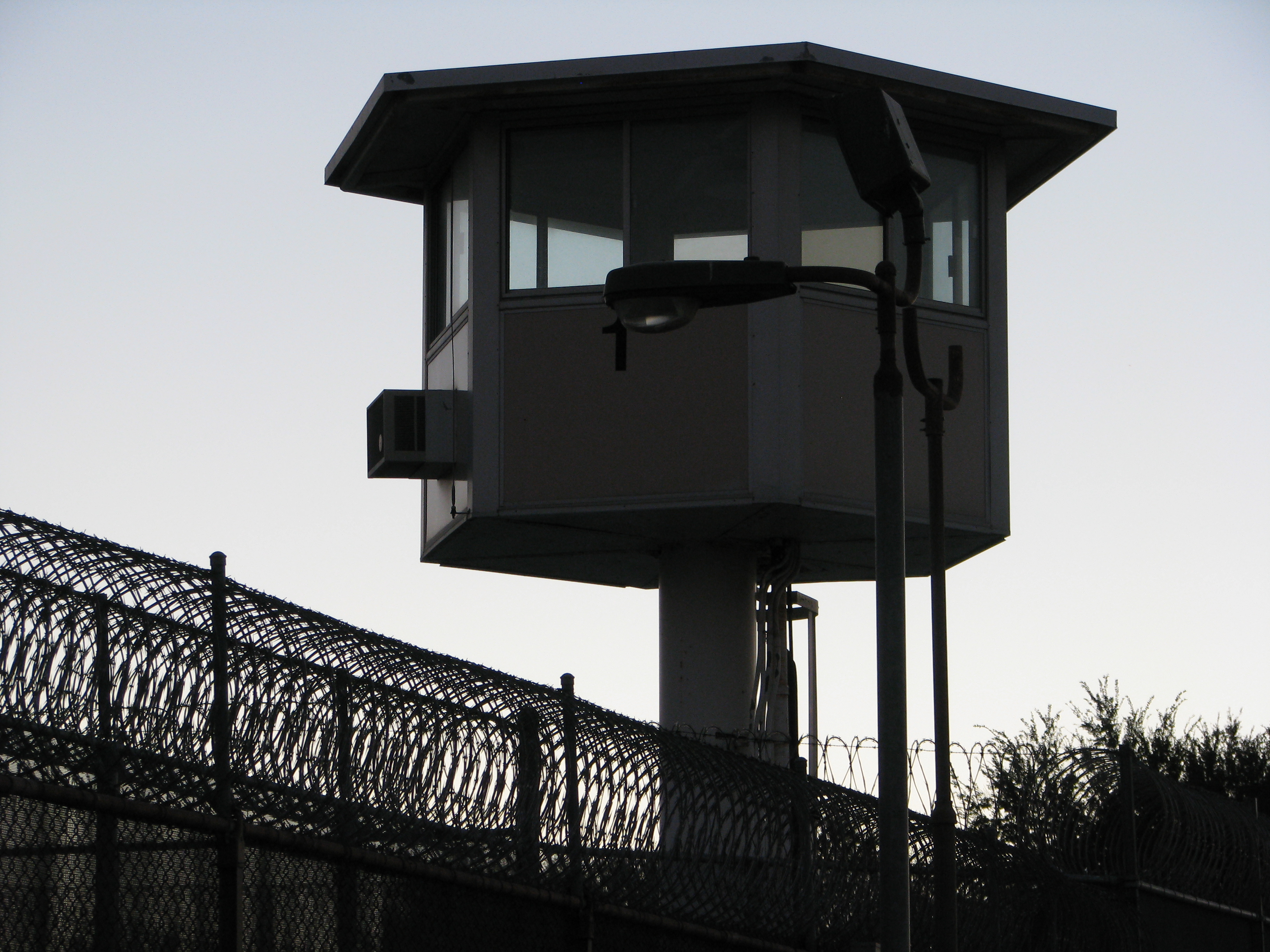
In this module, we focus on various types of correctional facilities at the federal, state and local levels. You will explore various types of programming employed by the federal system and custody levels utilized by states. This module encourages critical thought related to the procedures used at the local level to house pretrial detainees awaiting trial and offenders sentenced to short terms of confinement.
Image source: “prison guard tower” by Rennett Stowe, CC BY 2.0
Upon completion of this module, you will be able to:- Understand the role of federal, state, and local facilities.
- Explore the characteristics of prisons of various security levels.
- Examine Louisiana's utilization of state and local facilities.
To achieve these objectives:
-
Read the Module 5 Introduction.
-
Read Chapter 5 in Introduction to Corrections.
-
Complete the following activities in this module:
-
Module 5 Discussion: Compare and contrast federal and state correctional facilities.
-
Module 5 Assignment: Research and summarize one Louisiana correctional facility (state, local, or private), describing its custody level and population characteristics.
-
Module 5 Quiz: Assess your understanding of correctional facility types and security levels.
-
Each activity is designed to reinforce foundational correctional knowledge and build skills in research, critical thinking, and written communication—key competencies in the criminal justice field.
Module Pressbooks Resources and Activities
You will find the following resources and activities in this module at the Pressbooks website. Click on the links below to access or complete each item.
-
Introduction
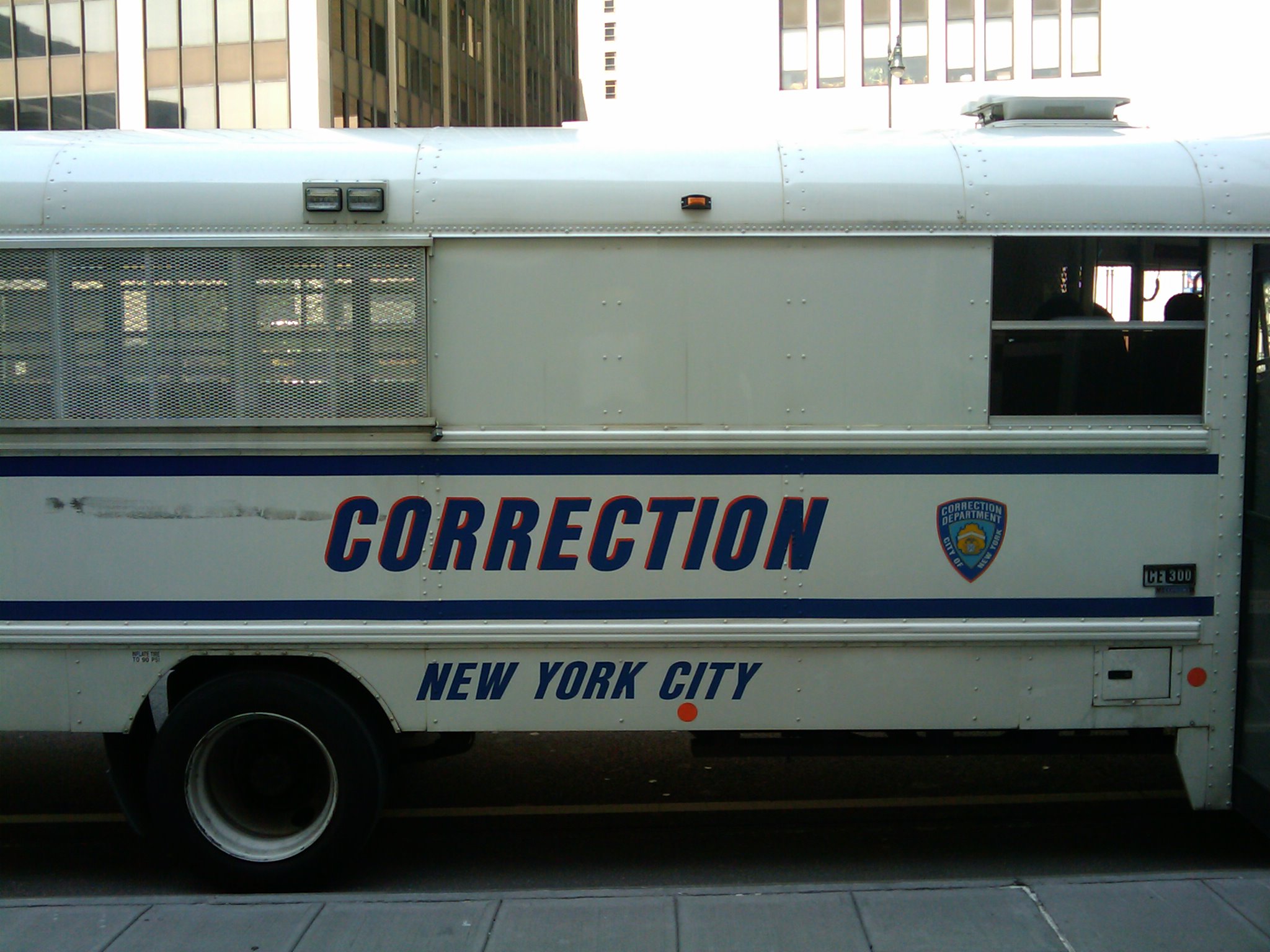
Think about what it would feel like to live in the same place, follow the same rules, and eat at the same time every day, with little freedom to make even the smallest choices. Over time, many people in prison adjust to this way of life, and while it may help them survive inside, it often leaves them struggling once they’re released. This week, we’ll take a close look at what happens when individuals become deeply dependent on the structure of incarceration, a process often referred to as institutionalization.
You’ve probably heard discussions about prison reform or rehabilitation, but this module invites you to look at the personal side the mental and emotional toll that isolation, routine, and confinement can take. Whether you plan to work in corrections, law, mental health, or public policy, understanding this concept can help you think more critically about how we prepare individuals for life after prison, and whether the current system truly supports that goal.
Upon completion of this module, you will be able to:- Obj. 1 - Define institutionalization and explain how it affects incarcerated individuals' behavior and thinking
- Obj. 2 - Examine how solitary confinement and long-term incarceration affect mental health, emotional stability, and behavior.
- Obj. 3 - Evaluate the mental health consequences associated with prolonged incarceration and solitary confinement.
- Obj. 4 - Reflect on real-world examples and propose ways the correctional system could address institutionalization.
Module Readings and Activities
- Read the Module 6 Introduction
- Read Chapter 6: Institutionalization and its Impact on Incarcerated Individuals in Introduction to Corrections (Pressbook edition). This chapter explores the psychological and behavioral consequences of institutionalization, including the effects of long-term incarceration and solitary confinement. Pay close attention to the section discussing real-life scenarios and mental health implications.
Participate in the Module 6 Discussion Forum: Analyze a real-world case of institutionalization and propose strategies for rehabilitation or reintegration.
-
Complete the Module 6 Assignment: Write a 1–2 page reflection describing how institutionalization can shape inmate behavior and suggest policy solutions to reduce negative impacts.
-
Take the Module 6 Quiz to test your understanding of key terms and concepts.
Module Pressbooks Resources and Activities
You will find the following resources and activities in this module at the Pressbooks website. Click on the links below to access or complete each item.
1. Read: Chapter 6: Institutionalization (Introduction to Corrections – Pressbooks)
2. Watch: "Solitary Nation" (Frontline PBS)
https://www.pbs.org/wgbh/frontline/documentary/solitary-nation/
3. Participate: Discussion Form - Institutionalization and Reintegration
Respond to the following prompt:
After reading the chapter and (optionally) watching the documentary, how do you think institutionalization affects an individual’s ability to reintegrate into society? Share one specific example from the reading or video.
Initial post due by Wednesday at 11:59 PM
Reply to at least one peer by Sunday at 11:59 PM
4. Complete: Knowledge Check Quiz: Institutionalization
1. What is the term “institutionalization” most accurately used to describe?
A. A prisoner's ability to follow the law after release
B. The psychological adaptation to structured prison life
C. A program that helps inmates gain job skills
D. A system of mental health treatment within prison
2. Which of the following is a common consequence of long-term solitary confinement?
A. Improved problem-solving skills
B. Enhanced social interaction
C. Increased risk of depression and hallucinations
D. Higher educational achievement
3. Why do many formerly incarcerated individuals struggle after release?
A. They are unfamiliar with current laws
B. They often desire to return to prison for financial support
C. Institutional routines have limited their decision-making and coping skills
D. They prefer isolation over community engagement
4. Which of the following best describes a symptom of institutional dependency?
A. Actively avoiding all social interactions
B. Feeling unsafe outside of prison due to lack of structure
C. Refusing all forms of rehabilitation
D. Immediate success in reentry programs
5. What is one way the correctional system could reduce the impact of institutionalization?
A. Increase the length of solitary confinement
B. Provide mandatory reentry classes and mental health support
C. Restrict access to outside communication
D. Limit prisoners’ freedom to make daily decisions
5. Submit: Reflection Journal Entry
Prompt: In 150–200 words, describe your personal reaction to the concept of institutionalization. What surprised or disturbed you most?
-
Students mustMark as done
Explore how prolonged incarceration and solitary confinement can lead to institutionalization. This chapter analyzes the psychological effects of long-term confinement and the implications for inmate rehabilitation and reintegration.
-
-
- Obj. 1 - Define institutionalization and explain how it affects incarcerated individuals' behavior and thinking
-
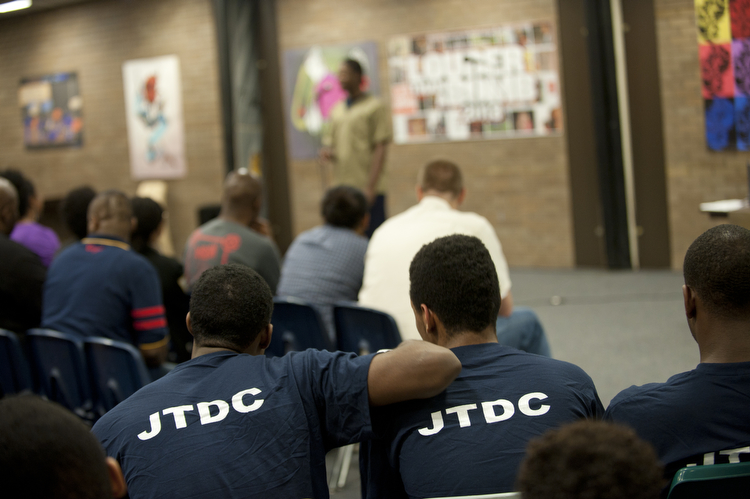
This module introduces students to innovative approaches designed to improve correctional outcomes, promote rehabilitation, and address emerging challenges in corrections. It builds on students’ prior understanding of correctional institutions, rehabilitation, reentry, and offender supervision. The module highlights how correctional programs in the United States and Louisiana increasingly emphasize evidence-based practices, education, treatment, technology, reentry support, and alternatives to traditional incarceration. Understanding these innovations is important because they affect public safety, reduce recidivism, improve individuals’ opportunities for successful reintegration, and create career opportunities for students interested in corrections, probation, parole, rehabilitation, and criminal justice policy.
Image source: Residents of the Cook County Juvenile Detention Center watch as another poet performs. “LTAB at JTDC 21 (WBEZ/Bill Healy)” by WBEZ, CC BY-NC 2.0
Upon completion of this module, you will be able to:
- Explain the importance of innovation programs in addressing challenges within the U.S. correctional system.
- Mention some of the innovative programs in corrections.
- Describe how Louisiana has approached the implementation of rehabilitative programs.
To achieve these objectives:
- Read the Module 7 Introduction
- Read Chapter 7 in Introduction to Corrections
- Complete a brief quiz on innovative correctional programs, which is in the form of multiple-choice questions
- Develop a brief proposal for an innovative correctional program.
- The proposal should be at least one page in length, which you will upload. The proposal will demonstrate your understanding of offender rehabilitation.
Module Pressbooks Resources and Activities
You will find the following resources and activities in this module on the Pressbooks website. Click on the links below to access or complete each item.
-
Students mustMark as done
Innovative Programs in Corrections in the United States and Louisiana
-
-
-
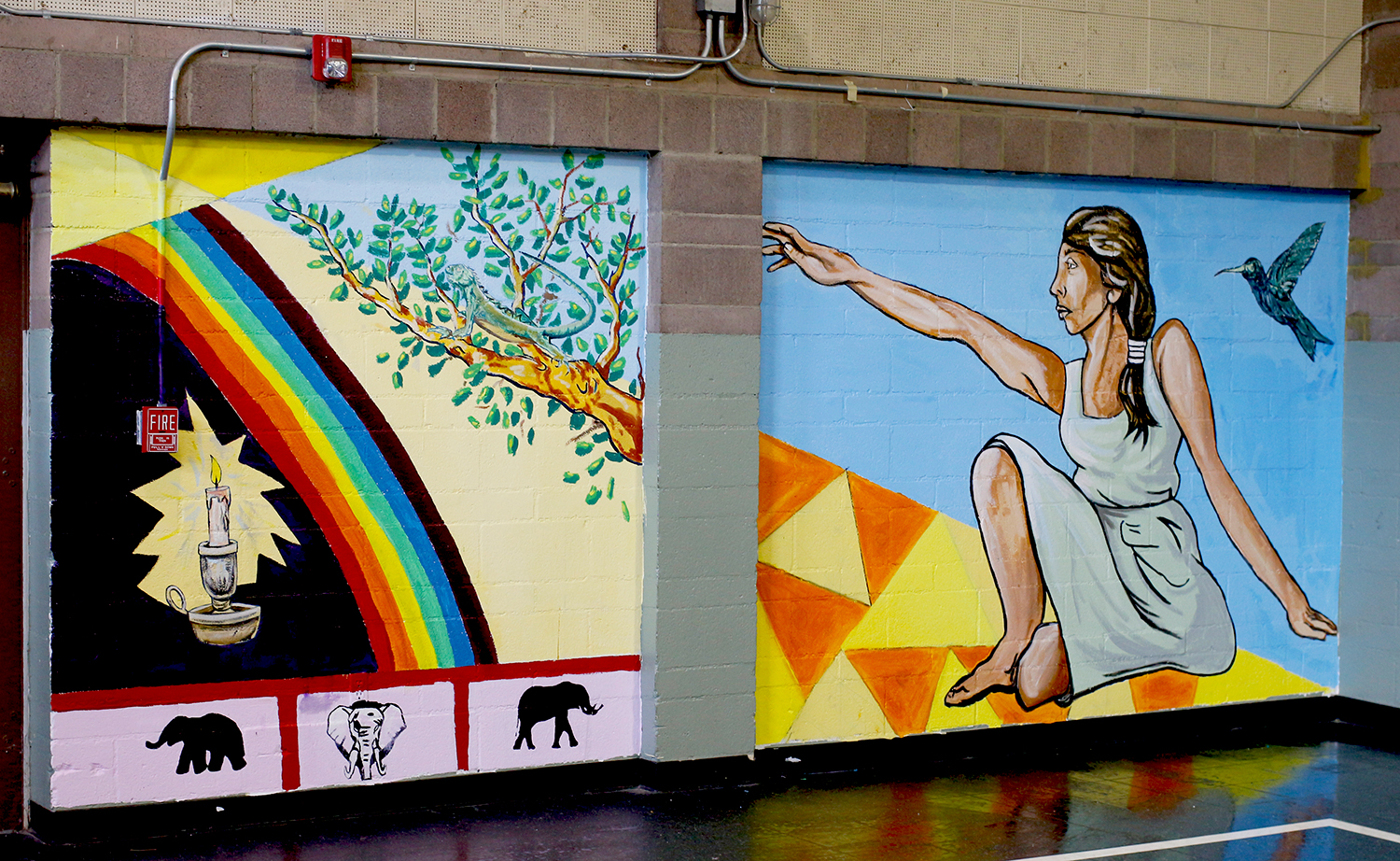
In this module, we shift our focus to the juvenile justice system. While youth are often treated differently than adults in corrections, those differences are not always beneficial or equitable. You'll explore how race, zero-tolerance policies, and state-level decisions—especially in Louisiana—shape the experience of justice-involved youth.
Whether you're interested in criminal justice, education, or social work, understanding juvenile corrections is essential. This module encourages you to critically examine how we respond to young offenders and what reforms are needed to create a more just system for the next generation.
Image source: “Scudder Juvenile Detention Camp Collaborative Mural Project | July, 2015” by armoryarts, CC BY-NC-SA 2.0
Upon completion of this module, you will be able to:
- Explain the core differences between juvenile and adult correctional systems.
- Analyze the impact of zero-tolerance policies on youth behavior, school pushout, and recidivism.
- Evaluate Louisiana's juvenile correctional approach and recent reform efforts.
- Propose policy changes that support rehabilitation and equity for justice-involved youth.
To achieve these objectives:
- Read the Module 8 Introduction
- Read and view the materials in the Module # 8 Pressbooks book
- Read Chapter 8 in Introduction to Corrections
- Complete the following activities (in order):
- Discussion Forum: Youth Behind Bars ➤ Prompt: How do you think zero-tolerance policies and racial bias shape outcomes for juveniles in the justice system? Share one reform idea you believe could improve Louisiana’s approach.
- Reflection Journal: Then vs. Now ➤ Prompt: Compare how juvenile justice has evolved from the "superpredator" era to today. Do you think current efforts are sufficient?
- Knowledge Check: Juvenile Justice Reform➤ 5-question quiz covering core concepts from readings
Module Pressbooks Resources and Activities
You will find the following resources and activities in this module at the Pressbooks website. Click on the links below to access or complete each item.
-
Students mustMark as done
This chapter explores the evolution of the juvenile justice system, including how it differs from adult corrections, how policies such as zero-tolerance and school-to-prison pipelines disproportionately impact youth—especially youth of color—and how Louisiana has approached juvenile reform.
Historical shifts in juvenile justice
Key Supreme Court rulings affecting juveniles
Louisiana-specific data and reforms
The ongoing debate between punishment vs. rehabilitation
Click the link to access the full chapter in Pressbooks. Make sure to take notes on how theory and practice differ when it comes to handling justice-involved youth.
-
-
-
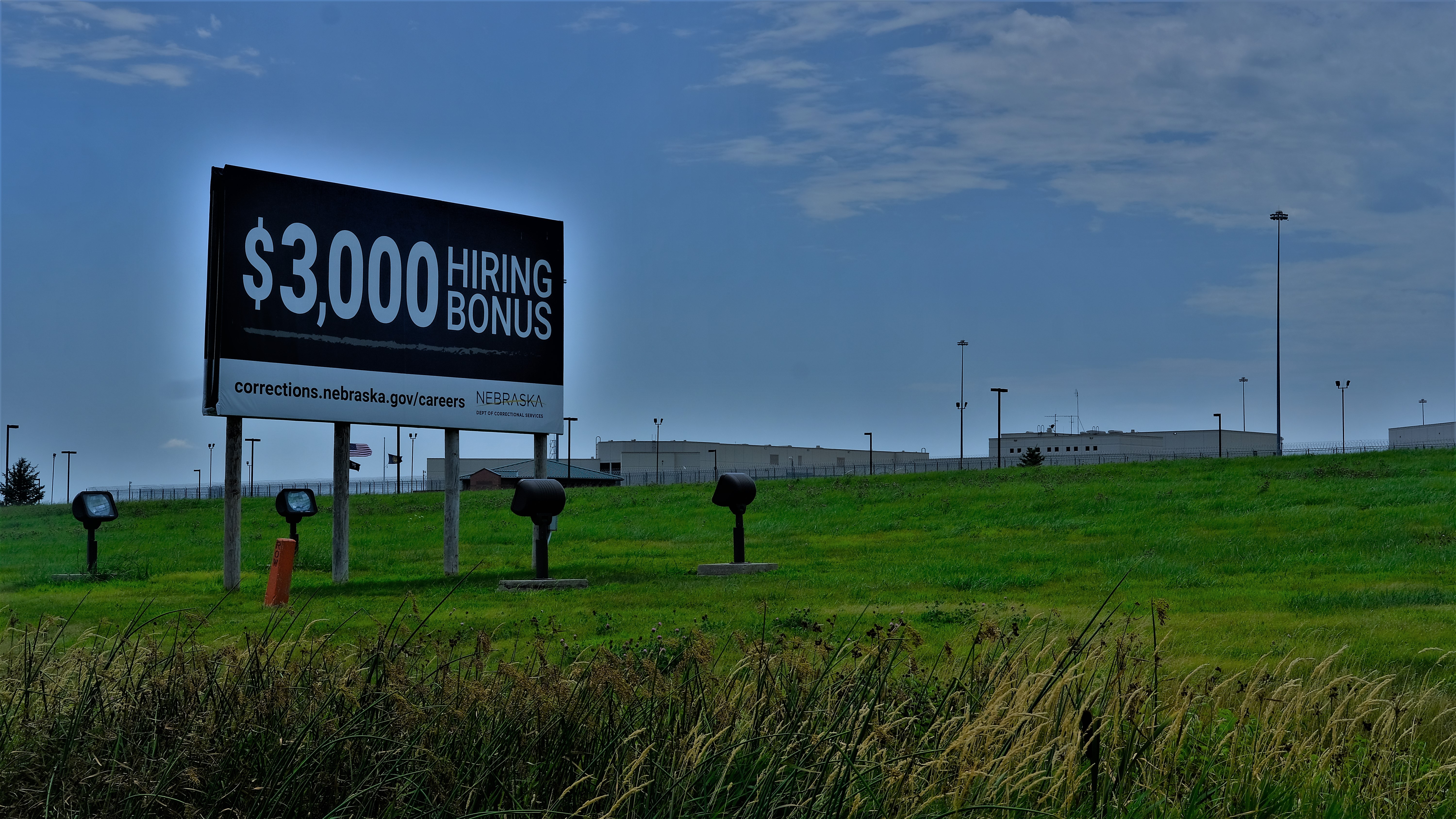 In this module, we examine corrections as a career field in the United States and Louisiana. Building on your prior knowledge of corrections, we will explore career opportunities, professional roles, qualifications, and workplace expectations. Understanding these pathways can help you connect your academic preparation to meaningful career opportunities in corrections and related criminal justice fields.
 Image source: “Corrections.” by Tim Vrtiska, CC BY-ND 2.0
Upon completion of this module, you will be able to:
- Describe the historical development of careers in corrections in the United States and Louisiana.
- Identify career opportunities, including education and training requirements necessary for entering and advancing in the corrections field.
- Assess the contributions of correctional personnel to society as well as the challenges and rewards of corrections careers.
To achieve these objectives:
- Read the Module 9 Introduction
- Read and view the materials in the Module # Pressbooks book
- Read Chapter 9 in Introduction to Corrections
- Complete a brief quiz on Corrections as a Career Field in the United States and Louisiana. The quiz is in multiple-choice format, and you will choose the correct answers from the options available.
- Examine the challenges and rewards of corrections careers
- Connect corrections careers to your personal and professional goals.
Module Pressbooks Resources and Activities
You will find the following resources and activities in this module at the Pressbooks website. Click on the links below to access or complete each item.
-
Students mustMark as done
Corrections as a Career Field in the United States and Louisiana
-
-
-

In this module, you will complete your Final Exam for Introduction to Corrections (CRJU 2013). The final exam evaluates your understanding of the key concepts and themes covered in Modules 5–9, including correctional institutions, rehabilitation programs, juvenile corrections, and career pathways in the correctional system.
Read all instructions carefully before beginning. This is your opportunity to demonstrate how well you can connect theory to practice, apply course knowledge to real-world correctional issues, and think critically about the role of corrections in the criminal-justice system.
Upon completion of this module, you will have:
- Read and viewed the final assessment instructions
- Prepared for and completed your Final Exam through the designated platform.
- Prepared and submitted your final assessment
To achieve these objectives:
Review the Exam Information and Instructions page in this module.
-
Complete the Final Exam (or Final Project, if assigned) by the deadline listed in your course syllabus.
-
Ensure all submissions are made before the due date. Late submissions may not be accepted unless prior arrangements have been approved by the instructor.
Background Colour
Font Face
Font Kerning
Font Size
Image Visibility
Letter Spacing
Line Height
Link Highlight
Text Colour